What this guide covers
Why accept crypto on your DHRU Fusion store
Most DHRU Fusion stores serve a global audience — IMEI checks, unlocks, and server credit — where a large share of customers prefer to pay in stablecoins rather than a card. Accepting USDT and USDC removes chargebacks, avoids high-risk card declines, and settles directly to a wallet you control.
The catch is verification. Watching a wallet, matching amounts by hand, and worrying about a customer reusing an old transaction hash does not scale. The goal of this guide is a setup where crypto payments are confirmed automatically and the customer's DHRU balance is credited in seconds — using PayGate Pro, a crypto payment gateway built specifically for DHRU Fusion.
What you'll need before you start
- Admin access to your DHRU Fusion installation (and FTP or a file manager).
- Your own wallet addresses for the networks you want to accept: TRC20 (TRON), BEP20 (BNB Smart Chain), ERC20 (Ethereum).
- A Binance API key if you want to accept Binance Pay.
- A PayGate Pro account (free to create).
Your keys and addresses stay yours. PayGate Pro encrypts them at rest (AES-128) and never moves your funds — it only verifies that a payment arrived.
The 5 steps
Create a PayGate Pro account
Go to paygatepro.tools, sign up, and verify your email. Pick the plan that matches your monthly payment volume — you can change it later. To activate a plan, message us on Telegram at @paygate_pro to top up your balance; activation is instant.
Add your wallet credentials
In your dashboard, enter the wallet addresses for each network you want to accept (TRC20, BEP20, ERC20) and — for Binance Pay — your Binance API key. These are encrypted immediately and are never shown in any file, log, or API response.
Download the gateway package
From the dashboard, download the gateway ZIP generated for your account. It is pre-configured with your unique gateway key — there is nothing to edit by hand.
Upload the files to your DHRU installation
Using FTP or your host's file manager, upload the modules folder into your DHRU Fusion root directory. That's the entire installation — no core files are touched and no code is changed.
Enable the gateway and run a test
In your DHRU admin panel, open Settings → Payment Gateways, enable PayGate Pro, and save. Place a small test order and pay it in crypto. The payment is verified against the blockchain and Binance API, and the balance is credited automatically — usually in under 5 seconds.
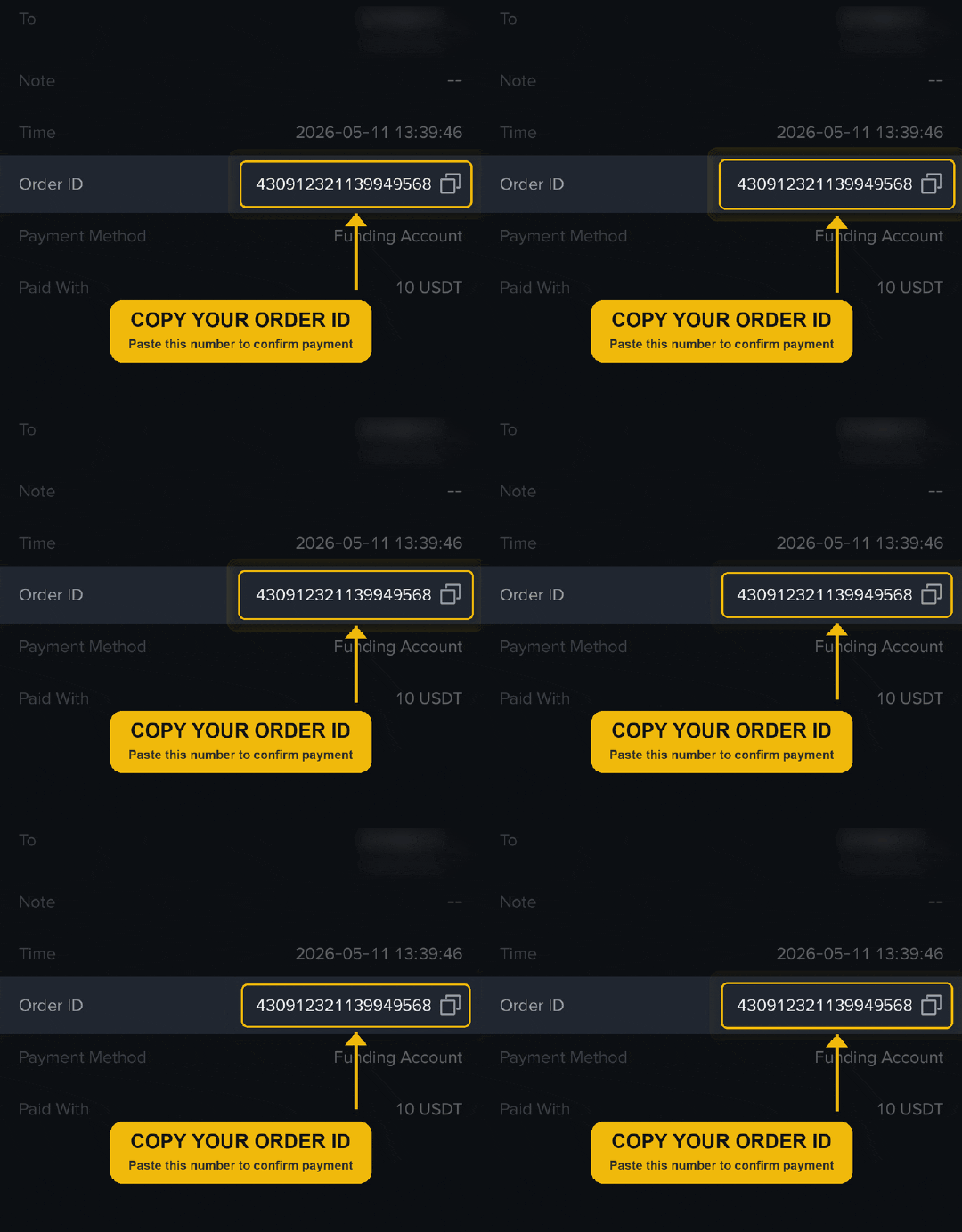
That's it. Once enabled, every DHRU customer sees a crypto option at checkout, pays to your wallet, and is credited automatically — with reused or wrong-amount transactions rejected server-side.
Troubleshooting & FAQ
Do I need a developer to add crypto payments to DHRU Fusion?
No. It's a one-folder upload to your DHRU root with no code changes. Most store owners finish in under 10 minutes.
Which crypto networks can DHRU Fusion accept?
USDT and USDC on TRC20 (TRON), BEP20 (BNB Smart Chain) and ERC20 (Ethereum), plus Binance Pay via Order ID.
Are payments verified automatically?
Yes. Each payment is checked against the blockchain and the Binance API in under 5 seconds and the DHRU balance is credited with no manual step.
Do the funds go to my own wallet?
Yes. You configure your own wallets and Binance account. PayGate Pro only verifies — it never holds or moves your funds.
What if a customer sends the wrong amount or reuses a transaction?
A small tolerance covers rounding dust; anything outside it returns a mismatch and is not confirmed. Every confirmed transaction ID is stored with a unique constraint, so it can't be reused.
Ready to accept crypto on your DHRU store?
Set it up in about 10 minutes — USDT, USDC and Binance Pay, verified automatically, paid to your own wallets.
Start with a 14-day free trial — full access, no charge.
Create your account